How Location Friends Track Works
From download to your first family circle in under 60 seconds. Here's everything you need to know to get started with real-time location sharing.
⭐ 5.0 App Store · 250K+ downloads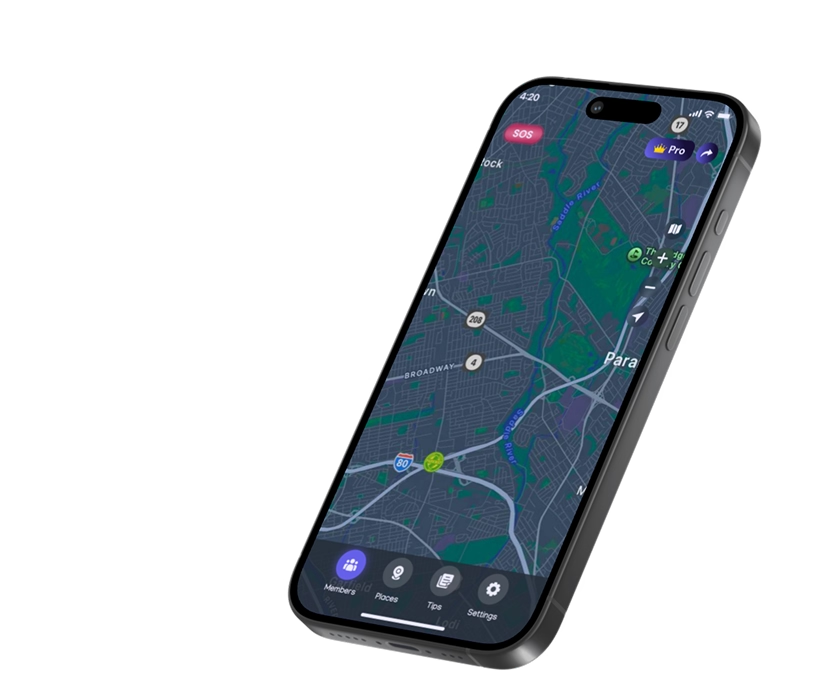

Step 1 — Download & Create Your Account
Location Friends Track is available as a free download on the App Store. Open the app, enter your phone number, and verify it with a one-time code. That's your account — no email, no password to remember. The entire process takes about 20 seconds.
Your phone number is used only for account identification and to let other family members find you. We never share it with third parties. Read more about our privacy and security practices.
Step 2 — Create a Family Circle & Invite Members
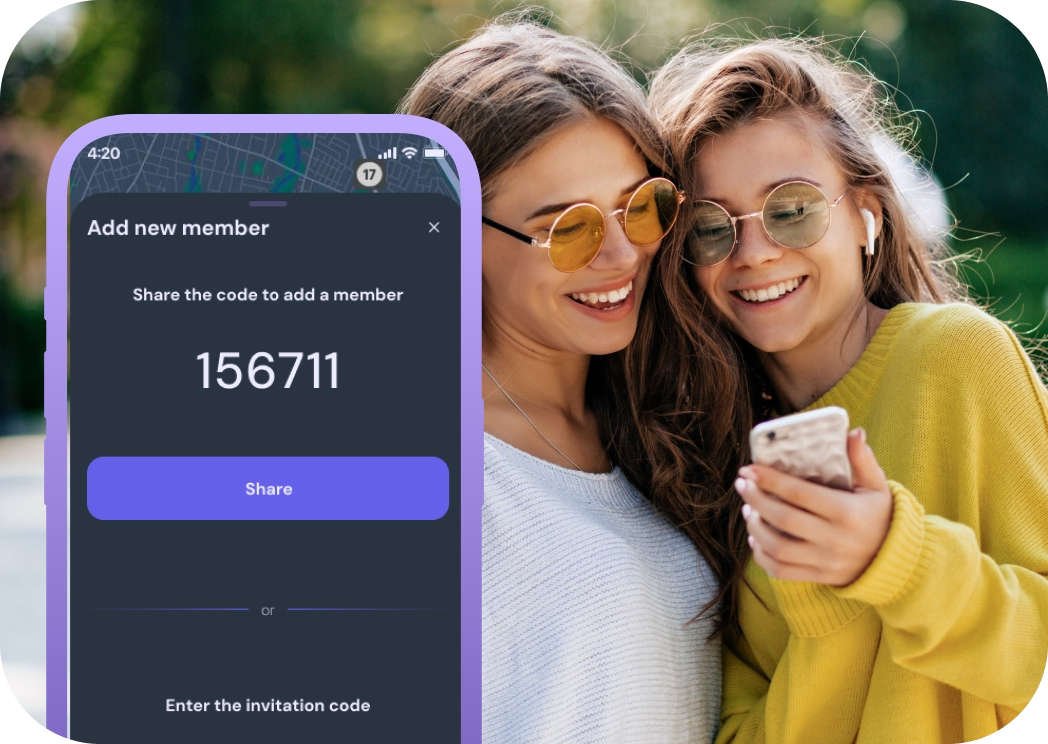
Tap "Create Circle," give it a name (e.g., "Our Family"), and start adding members by phone number. Each person receives a text with a link to download the app and join your circle. If they already have Location Friends Track installed, they'll see the invitation inside the app instantly.
You can have multiple circles — one for your immediate family, another for a group of close friends, and one for elderly relatives who live apart. Each circle is completely independent, and members of one circle cannot see members of another unless they share a circle.

Step 3 — Start Sharing Your Live Location
Once everyone has joined, allow location access on your device and the map comes alive. You'll see each circle member's position updated in real time, complete with address labels and battery indicators. Tap any pin to see how long ago it was updated and to get directions.
From this point on, the app works silently in the background. No need to open it every time — your family sees your location and you see theirs, as long as sharing is enabled. You can pause or resume at any time with a single tap.
What You Can Do After Setup
Set Place Alerts
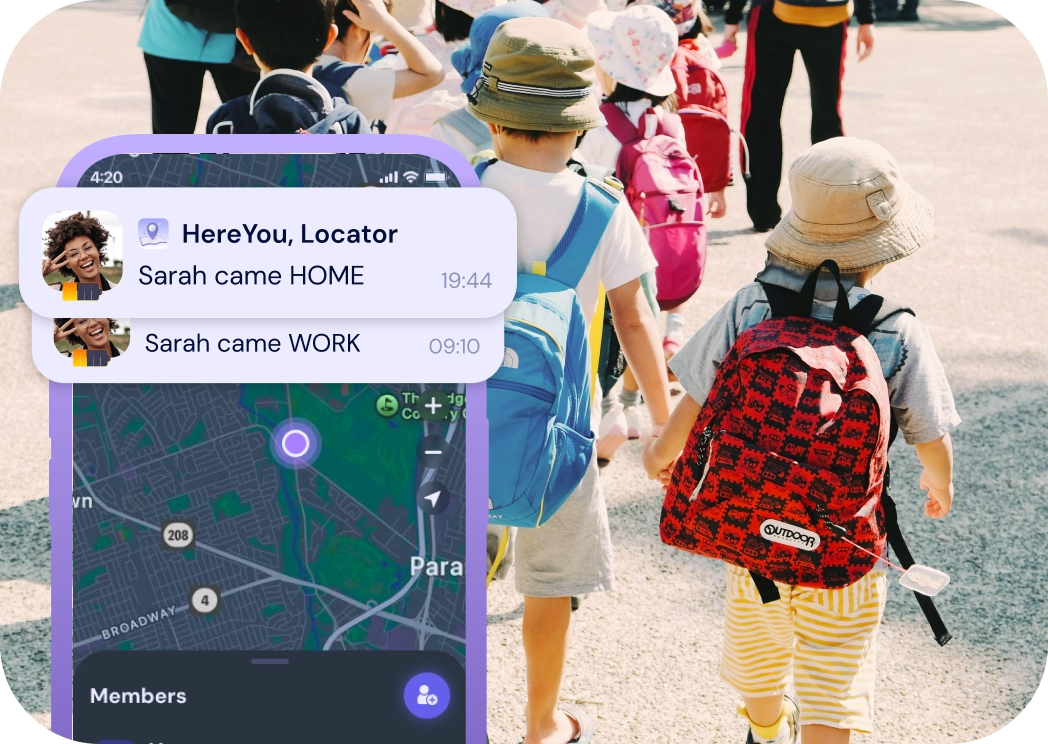
Mark important locations — Home, School, Office — and get automatic notifications when a family member arrives or leaves. Perfect for parents who want to know their child reached school without having to ask. Learn more about smart place alerts.
Review Movement History
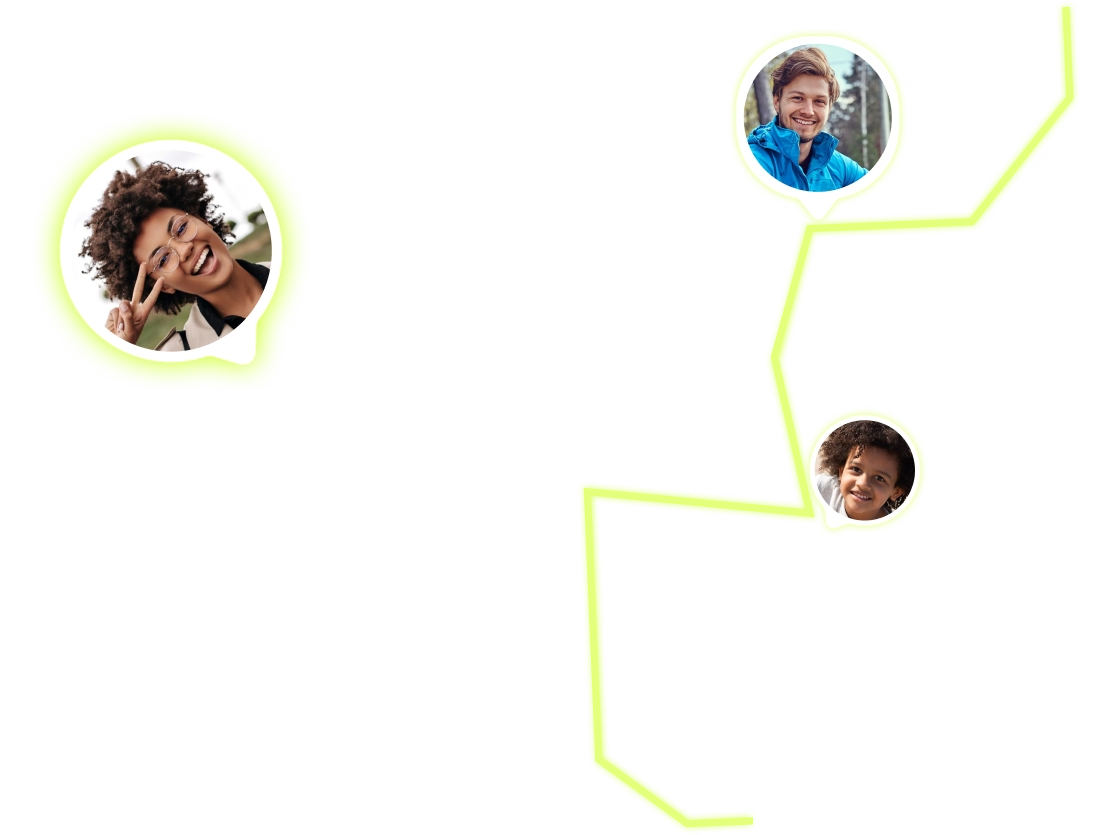
Select any day on the calendar to see a family member's full GPS route, with timestamps at every stop. It's a great way to verify a teen's driving route or check on an elderly relative's daily activity.
Use the SOS Button
In an emergency, any circle member can press the SOS button to instantly broadcast their live GPS coordinates to everyone in the circle. Help arrives faster when people know exactly where you are.
Tips for Getting the Most out of Your Family GPS Tracker
Keep "Always Allow" location on. For the most accurate experience, set location permissions to "Always" in your device settings. This lets the app update your position even when it's running in the background, ensuring your family always sees your latest location.
Name your places clearly. Instead of generic labels, use descriptive names like "Mom's Office" or "Soccer Practice Field." This makes notifications easier to understand at a glance.
Talk to your family about sharing. Location sharing works best when everyone understands why it's useful and agrees to participate. Have a quick conversation before setting up the circle so everyone feels comfortable.
How It Works — FAQ
Do all family members need the app?
Yes. Each person who wants to share or view locations must have Location Friends Track installed and must accept the circle invitation. You can send invites by phone number to make it easy.
Does the app work in the background?
Yes. Once you grant "Always Allow" location permission, the app updates your position in the background without you needing to open it. Battery impact is minimal — most users see less than 5% extra drain per day.
Can I be in multiple circles at once?
Absolutely. You can create or join as many circles as you like — for example, one for family and another for close friends. Each circle is independent and private.
What if someone doesn't want to share their location?
Every member has full control. They can pause sharing at any time, and other members will simply see them as "offline." There's no way to force someone to share against their will.
Ready to Get Started?
Download Location Friends Track, create your first family circle, and experience the peace of mind that comes with always knowing your loved ones are safe. Setup takes less than a minute — and it's completely free.
Download the app